01
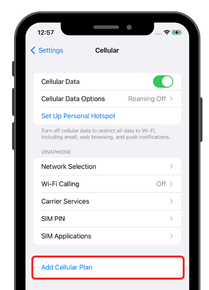
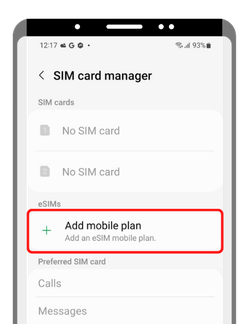
Go to Settings > Connections > SIM Manager > Add eSIM
02
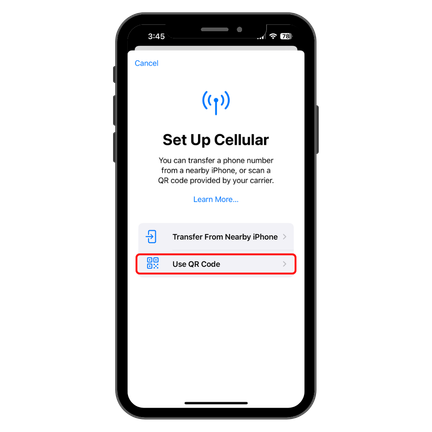
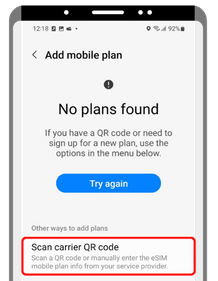
Use QR Code
03
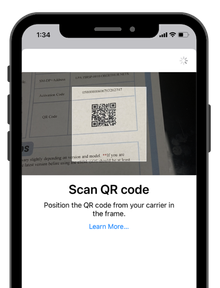
If your network provider gave you a QR Code, scan it now by keeping the code centered in the box
When the camera opens, scan the QR code. If saved, select it from your Gallery
04
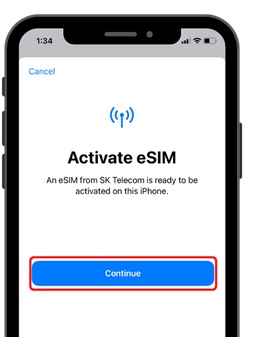
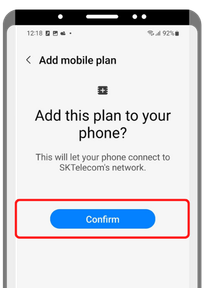
Tap “Confirm” to continue. Installation may take 2–3 minutes, depending on your device.
05
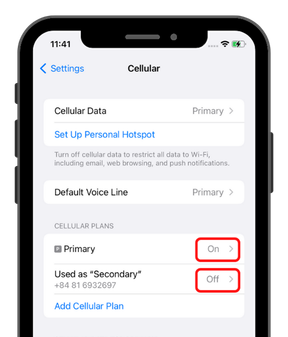
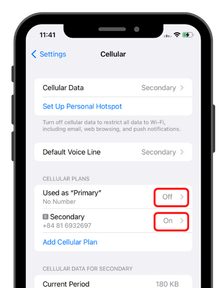
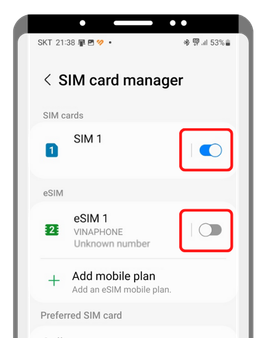
After installation, a new “eSIM1” will appear:
- SIM1 → ON (VIETNAM SIM)
- eSIM1 → OFF (OVERSEAS SIM)
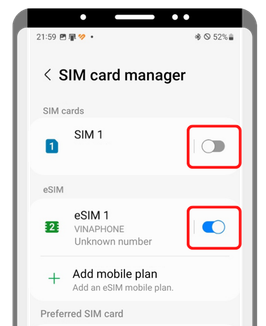
At your destination:
Mobile data will automatically switch to eSIM1 (overseas eSIM)
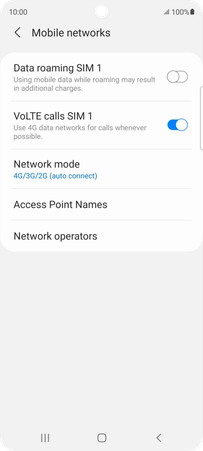
Turn on Data Roaming
To turn on data roaming: Settings > Data roaming > Details (or Settings > Connections > Mobile networks > Data roaming)